Tiras LED
An LED strip is a flexible board with LEDs and power traces. In a printer, dryer or small DIY device, it's usually used for chamber lighting, status indication, work area lighting or decorative enclosure lighting.
The main beginner mistake is treating an LED strip like a small LED. Even a short strip can draw more current than a fan, and a long strip becomes a full power load.
Dónde It's Used
In DIY devices around a 3D printer, LED strips are useful for:
- lighting the printer chamber;
- lighting the filament dryer;
- status indication: heating, drying, error, waiting;
- work area lighting inside the enclosure;
- soft night lighting without main light;
- visual signal when print finishes or error occurs.
For service lighting, a simple white strip is usually better. For mode indication, RGB or addressable strips are convenient, but they're more complex in power and control.
Voltage: 5V, 12V or 24V
LED strips come in different voltages:
5V- often addressable strips like WS2812/NeoPixel;12V- common white and RGB strips;24V- convenient for longer sections and 24V systems.
Strip voltage must match the power source. You can't connect a 12V strip to 24V. A 24V strip on 12V may dim or not work. A 5V strip on 12V or 24V will almost certainly be damaged.
If your printer already has 24V, that doesn't mean any strip can connect to it. You need to buy exactly a 24V strip or put a DC-DC converter for the right voltage.
Regular and Addressable Strips
There are two main types of LED strips.
A regular strip lights up all at once. This could be:
- single-color white;
- warm/cold white;
- RGB strip that changes color all along its length;
- RGBW strip with separate white channel.
Such a strip has no microchip on each LED. Brightness is controlled by power switching or PWM through a MOSFET, LED controller or suitable board output.
An addressable strip has a control microchip for individual LEDs or LED groups. It lets you light different sections in different colors. Typical examples: WS2812B, SK6812, NeoPixel-compatible strips.
Addressable strips require:
- power at the right voltage;
- common
GNDwith controller; - data wire
DIN; - correct data direction along the arrow on the strip;
- often - 5V data signal level;
- careful power without big drops.
For simple chamber lighting, an addressable strip is usually overkill. For nice indication and effects, it's convenient, but requires more attention to power.
Current and Power
Choose an LED strip not just by color and length. You need to know its power.
Product pages usually list:
- voltage: for example
12Vor24V; - power per meter: for example
4.8 W/m,9.6 W/m,14.4 W/m; - number of LEDs per meter;
- LED type: for example
3528,5050,2835; - strip width;
- protection degree: bare, silicone jacket, IP65/IP67;
- maximum length per section.
Current is calculated simply:
Example: you have 2 m of 24V strip at 9.6 W/m power.
For such a strip, the power supply, MOSFET, wires and connector must comfortably handle over 0.8 A. Practically, it's better to add at least 30-50% margin, especially if the strip runs for long periods.
For RGB strips, you must account for maximum current of all channels. White on RGB usually means red, green and blue channels are on simultaneously.
For addressable 5V strips, a rough estimate is up to 60 mA per RGB pixel at full white. In real effects, current can be less, but you can't size the power supply and wiring for "usually not at full brightness".
Por qué You Can't Power a Strip From GPIO
A controller's GPIO is a signal output, not a power source.
You cannot connect an LED strip directly to a microcontroller pin. GPIO is not rated for strip current. This can damage the board, cause reboots, unstable operation or trace overheating.
Correct logic:
- strip current comes from the power supply;
- controller only manages on/off, brightness or data;
- a MOSFET, LED driver, LED controller or board power output handles the power switching;
- controller and supply grounds are connected if there's a control signal.
Connecting a Simple Single-Color Strip
For a white 12V or 24V strip, a low-side MOSFET is often used: the strip's plus is connected to the power plus, and the strip's minus is switched by the MOSFET module.
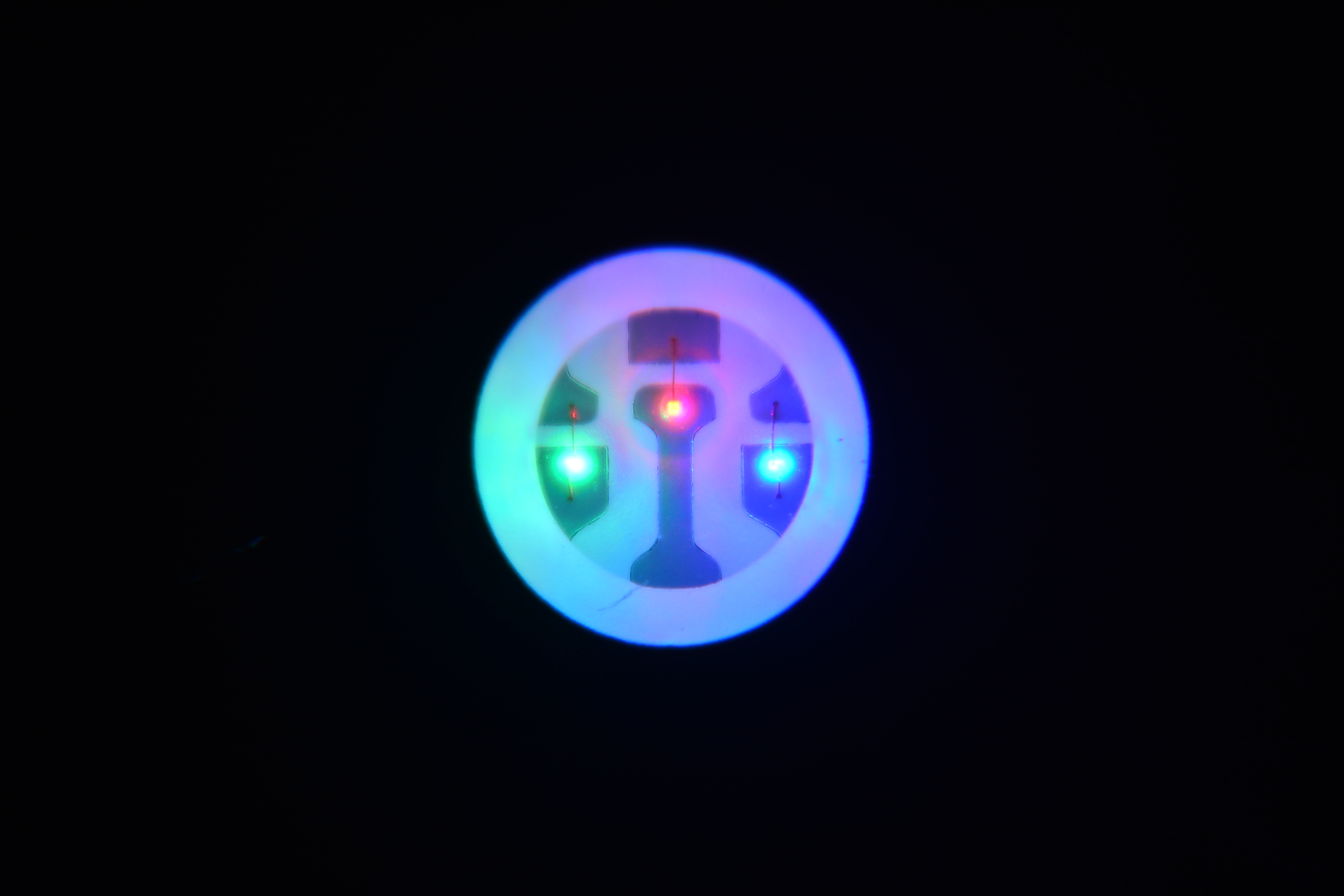
Source: Wikimedia Commons, Akbermamps, CC BY 4.0

Typical circuit:
- Power supply
+Vgoes to LED strip+. - LED strip
-goes to MOSFET module power output. - Power supply
GNDgoes to MOSFET module. - Controller
GNDis connected to power supplyGND. - Controller control pin goes to MOSFET module input.
If the printer board already has a managed output for fans or LEDs, you can use it only if it's rated for the needed voltage and current. You cannot connect a long strip to any random connector without checking the output limit.
RGB Strip
A typical RGB strip usually has a common plus and three managed minuses:
+V;R;G;B.
Each color channel requires a separate MOSFET channel or a ready-made RGB controller. One MOSFET for the whole RGB strip can only turn it on and off, not change color.
When selecting a MOSFET module for an RGB strip, look at current per channel and total current. The connector, terminal and wire must also handle the load.
Addressable Strip
An addressable strip usually has:
+5Vor other power if it's not a 5V model;GND;DIN- data input;- sometimes
DOUT- data output to the next section.
Important rules:
- connect data toward the arrow on the strip;
- controller and strip must have common ground;
- for 5V addressable strips on a 3.3V controller, you often need a level converter;
- before a long strip, an electrolytic capacitor across power is useful;
- a resistor around
300-500 Ohmis often placed in the data line near the strip input; - for a long strip, it's better to supply power not just at the start but at additional points.
If an addressable strip is powered from a separate supply, you cannot apply only DIN without common GND. The data signal then has no proper reference level, and the strip will flicker randomly or not work.
Voltage Drop and Multi-Point Power
A long LED strip may be bright at the start and noticeably dimmer at the end. This is not "bad controller", it's voltage drop on wires and the strip's copper traces.
The lower the voltage and higher the current, the worse the problem. So 5V and 12V strips more often need power from multiple points than 24V strips of the same power.
Signs of voltage drop:
- strip end is dimmer;
- white on RGB shifts to yellow or red;
- addressable strip flickers during bright effects;
- controller reboots when brightening;
- wires, connector or strip start become hot.
Solution:
- use strip at appropriate voltage;
- use wire with sufficient gauge;
- apply power to the start and end of long sections;
- split long strip into sections;
- use fuse on the power line;
- don't route all current through weak connector or thin traces.
Heat and Mounting
An LED strip itself produces heat. This is especially noticeable for bright strips in silicone jacket and strips mounted inside a closed enclosure.
Bad mounting locations:
- next to a heater;
- on soft PLA inside a warm chamber;
- on a surface that doesn't dissipate heat;
- where the strip touches moving parts;
- on a cover that's often removed without a connector.
For long life, it's better to mount the strip on an aluminum profile or other surface that dissipates heat. If the strip is inside the printer chamber, account for chamber temperature and adhesive layer temperature.
Qué to Check Before Buying
Before buying an LED strip, check:
- strip voltage;
- power per meter;
- total length;
- color: white, RGB, RGBW, addressable;
- control type;
- strip width and mounting location;
- installation location temperature;
- whether you need an aluminum profile;
- whether you need a MOSFET module or LED controller;
- whether the power supply can handle the additional load;
- whether there's a proper connector for servicing.
For a printer chamber, a 24V white strip is usually more practical if the whole system is already 24V. For a small ESP32 indicator, a short 5V addressable strip might be convenient. For long decorative RGB lighting, it's better to calculate current in advance and think about multi-point power.
Típicos Errors
- connected strip to wrong voltage;
- powering strip from GPIO;
- didn't calculate current for whole length;
- selected MOSFET module without margin;
- connected long strip with thin wire;
- forgot common ground between controller and strip;
- connected addressable strip data to
DOUTinstead ofDIN; - didn't install a level converter for 5V addressable strip from 3.3V controller when needed;
- powered only one end of a long strip;
- installed strip in hot zone without temperature check;
- left strip without connector on a removable cover.
Principal Point
An LED strip is not a signal LED, it's a load. First check voltage and power, then calculate current, select wire, MOSFET or controller, and only then connect to the board.
For simple lighting, choose a regular white strip at system voltage. For effects and indication, you can use an addressable strip, but power, common ground, signal level and voltage drop protection are especially important.
Referencia Materials
- Adafruit NeoPixel Überguide: Best Practices - practical rules for addressable strips: common ground, data line resistor, capacitor and signal level.
- Adafruit NeoPixel Überguide: Powering NeoPixels - detailed explanation of addressable strip power, voltage drop and multi-point power.
- Adafruit RGB LED Strips: Usage - example of managing regular RGB strips through power transistors/MOSFET, not directly from microcontroller.
- SparkFun WS2812 Breakout Hookup Guide - introduction to addressable WS2812 strips and their variants.
- QuinLED: 12V vs 24V LED strip and voltage drop - practical explanation of why long strips suffer from voltage drop and why 24V is often better for long sections.